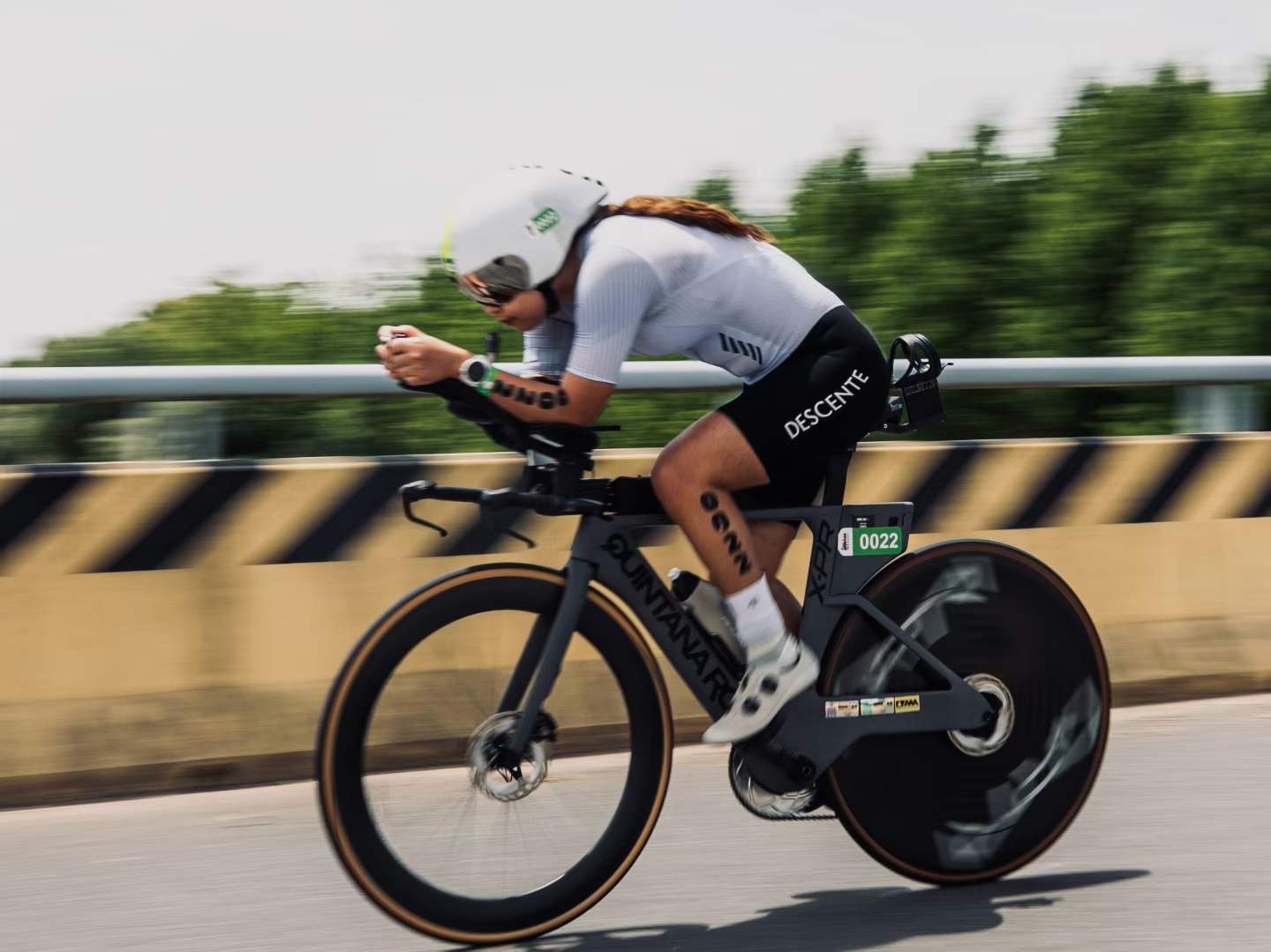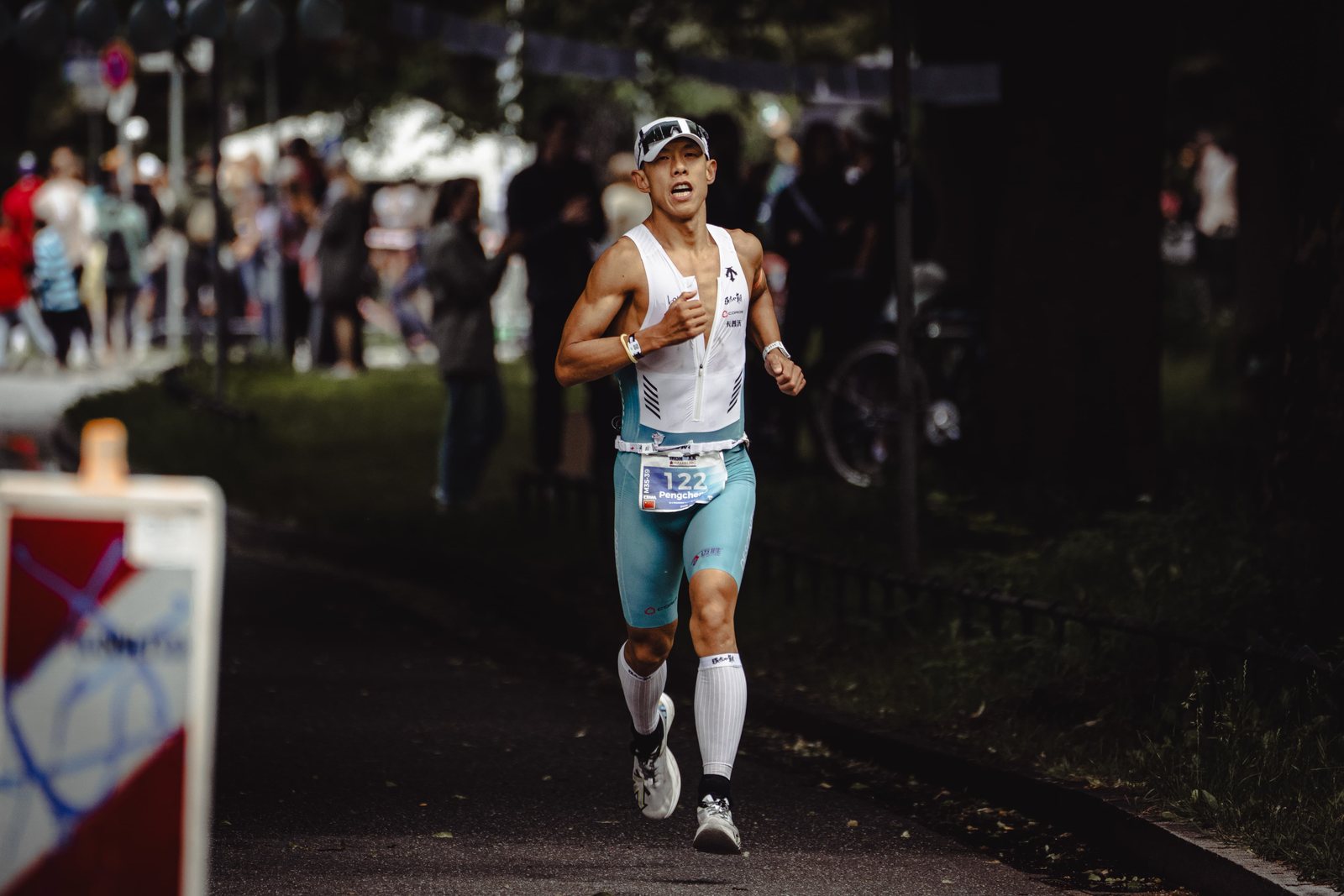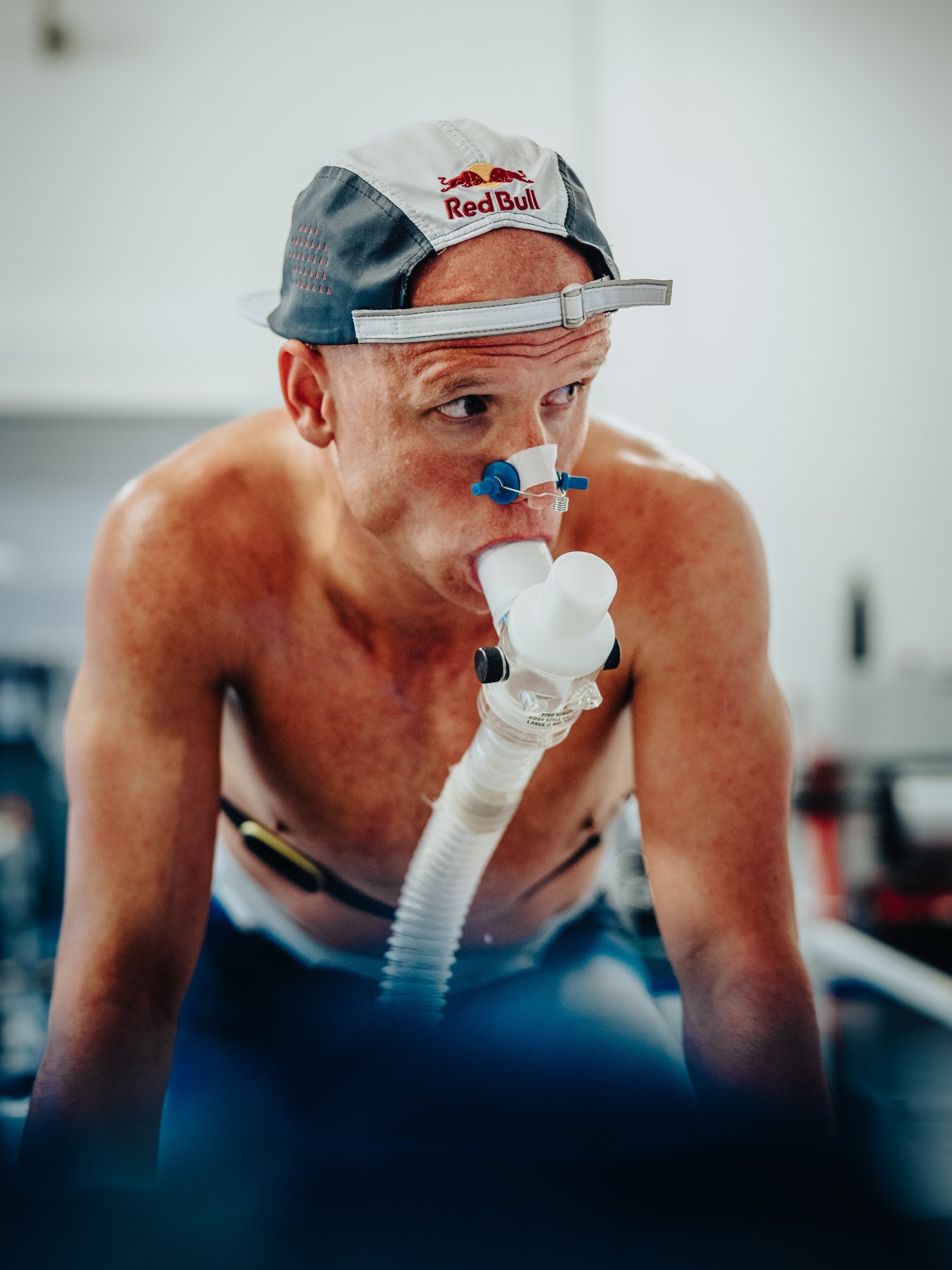
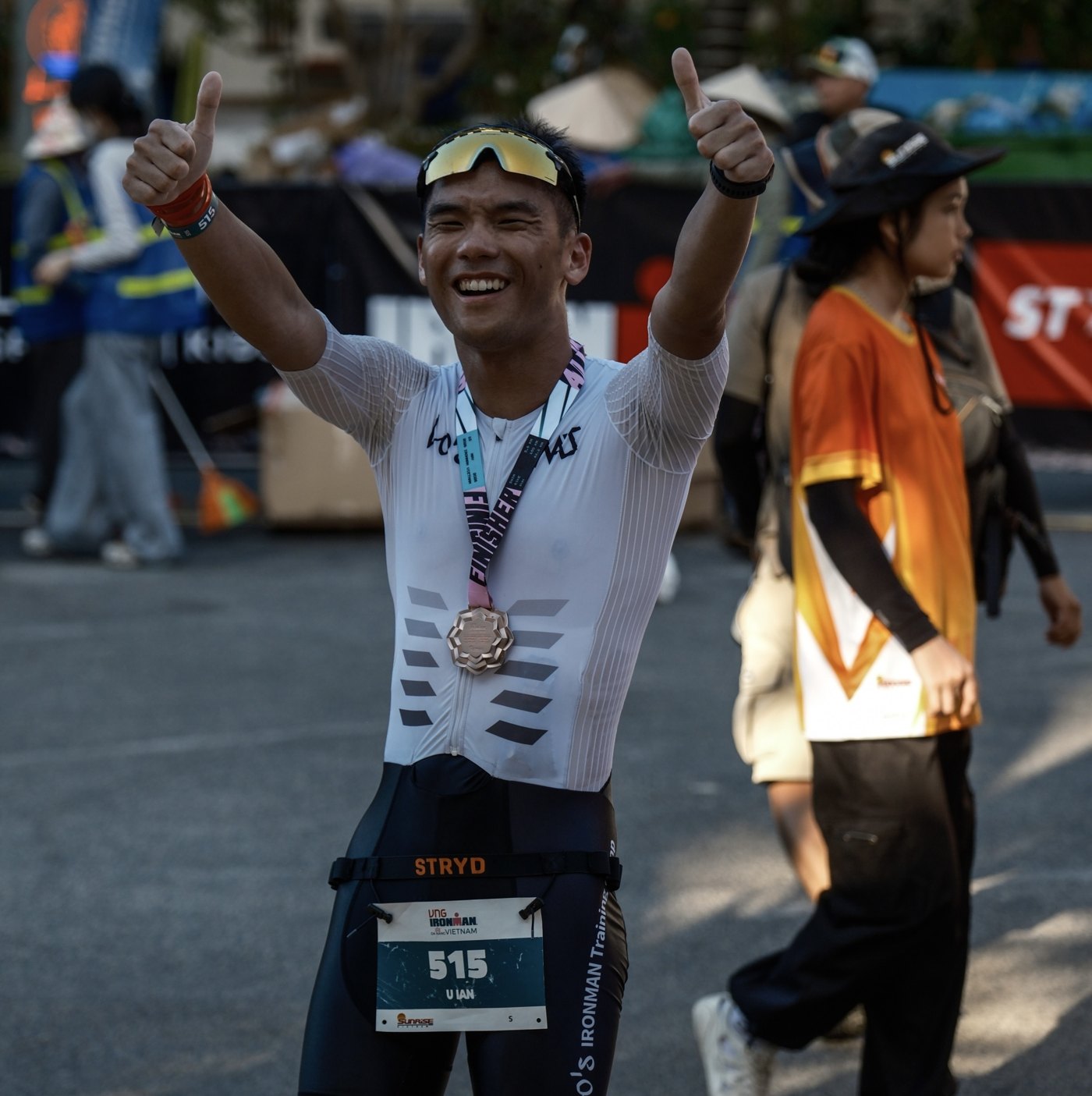

The question I've been asked most this year is probably "Will AI replace coaches?"
My answer isn't that dramatic. What actually changed the way I work this year was something more basic:
Most coaches' training data isn't even good enough to show an AI yet.
I've used TrainingPeaks for 12 years and coached athletes for 10. I've coached more than 100 athletes one-on-one, which means I've gone through at least 100 training accounts from start to finish.
I've looked at enough of them to say something a little blunt. I'd bet my read on an athlete's condition from the data is more reliable than a lot of coaches'. That has little to do with having a good eye. It's because for ten years now, I've been strict, almost obsessively picky, about whether a given piece of data can be trusted.
Back then I just couldn't stand numbers that didn't add up. I never imagined that ten years later, that habit would turn into the most valuable thing I have.
1. The TSS You See Is an Equation
Open TrainingPeaks and every workout has a TSS attached. It looks objective, like your watch measured it.
But TSS was never measured. It's calculated: your actual performance divided by a threshold you set yourself. On the bike that's FTP. For running it's threshold pace (or running power threshold). For swimming it's CSS or threshold pace.
In other words, half the inputs in that equation are numbers you typed in yourself.
Then stack the next layers on top. TSS drives CTL (long-term load) and ATL (short-term load), and CTL minus ATL gives you TSB (form). That whole chain, top to bottom, rests on one real foundation: your threshold settings.
If the foundation is off, every layer above it is off. The fatigue curve you see on the PMC, your call on whether an athlete should start the taper, your decision on whether to add volume next week: it all rests on a number you may never have checked.
Worse, it doesn't throw an error.
Set your threshold wrong and the chart still looks great. The curves still rise and fall, and everything seems to be working fine. Nothing ever pops up to warn you that this number is off.
2. A New Athlete's First Week: Usually No Training Plan
A lot of people assume the first thing a coach does with a new athlete is write the plan. Most of the time, I don't.
First I spend a big chunk of time going through the athlete's entire training and race history. While I'm in there, I'm looking for these things:
- Any obvious outliers? An easy aerobic run with a higher TSS than a long session. A swim of around 3,000 meters that got a single-digit TSS. You can't spot this on the chart. You have to click into the workouts one by one.
- When was the FTP set? I've seen accounts with settings stuck three years back. The athlete got stronger over those three years, but TrainingPeaks kept calculating every session off a three-year-old FTP. CTL ends up inflated the whole way, and it looks like they're setting a new load record every week.
- Does the run threshold make sense? The most common mistake is using race pace as threshold pace, or using your best shape from five years ago as today's baseline.
- What about swim CSS or threshold? This one gets left alone the most, because plenty of people barely look at swim TSS in the first place.
- Does past TSS match what they actually did? I pick a few sessions where I can tell at a glance roughly what the load should be and compare them with the number the system gave. If they don't match, a setting is wrong.
Skip this step, and ten years of TrainingPeaks data may look rich, but very little of it can actually be compared against the rest.
3. The Two Default Traps People Fall Into Most
This section is for fellow coaches, and it's the trap I've seen the most accounts fall into. TrainingPeaks settings include two sets of defaults: Default Speed/Pace and Default Power. If you've never touched them, a lot of activities get their TSS calculated straight off those defaults. The right way is to go into Add Activity and create separate settings for each sport.
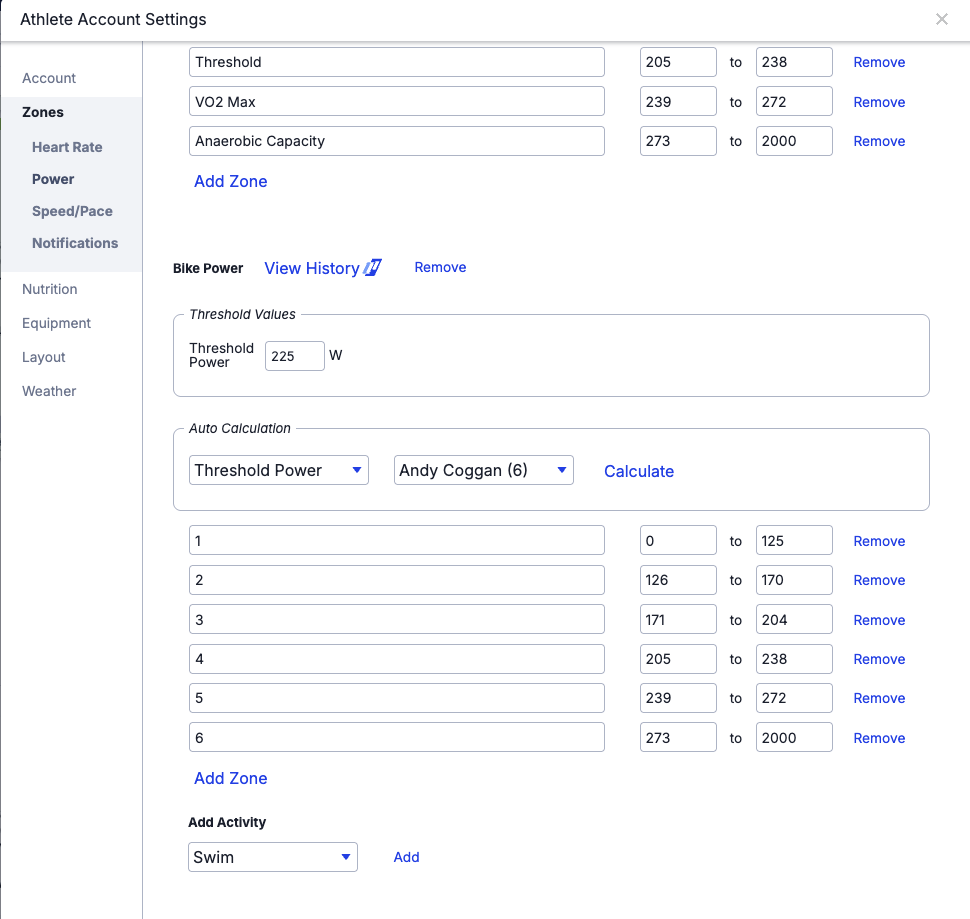
Set Pace Separately
Swimming has its own threshold pace and running has its own. They're on completely different scales, so there's no way they can share one setting. If you don't separate them, you'll see a swim of almost 3,000 meters get only 1 to 2 TSS, or your run TSS clearly skewed without you knowing which way.
The one below is a perfect example. The first time I saw something like this, I thought it was a sync error.
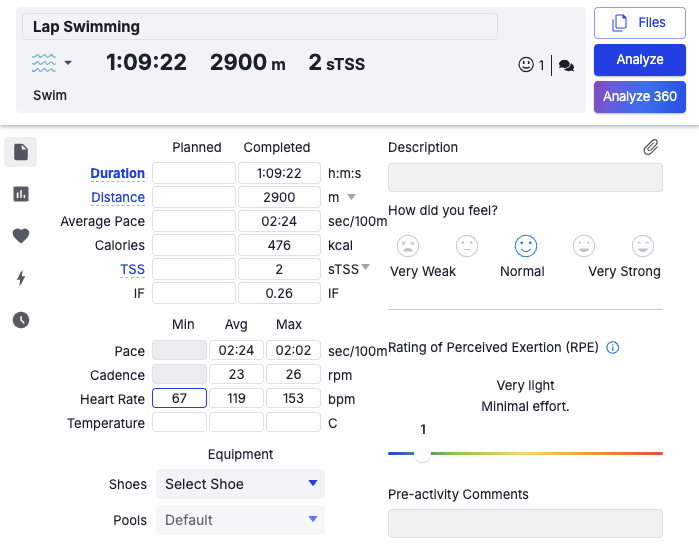
Set Power Separately Too
Set your bike FTP for the bike. If you use running power, create a separate running power setting. Otherwise your runs get calculated off your bike FTP.
Take a real example. Your bike FTP is set at 250 watts, and Garmin running power routinely starts at 300 watts. That's normal for running power. Its algorithm just gives numbers a good bit higher than bike power.
But the system doesn't know that. All it sees is "300 watts" and "FTP 250 watts," and it dutifully divides 300 by 250. IF jumps straight to 1.2, and an easy one-hour run comes out at 144 TSS.
What does 144 TSS mean? That's about a serious three-hour long ride. You went out for an easy one-hour jog, and the system thinks you just finished the hardest session of your week.
And you run that kind of session four times a week. You'll watch the athlete's CTL climb for no apparent reason and TSB get so deep you start worrying they're overtrained, and then you cut their volume. In reality they aren't tired at all. Their settings are just wrong.
4. Some Data Can't Be Fixed
Not all historical data can be saved.
The years without a power meter, the season you switched watches, the stretch when you swam without a watch and logged it by hand: that data is missing key fields to begin with, and no amount of fixing will get anything out of it. The way I handle it is to draw a line. Everything before the line gets used only for trends, never for comparisons across periods.
Here's a rule you can use right away: don't directly compare the periods before and after you changed watches, power meters, or threshold settings. If you want to compare, first confirm none of those three changed across both periods. If you can't, don't compare. Better to admit you don't have data for that stretch than to build a training plan on a wrong conclusion that just happens to come with numbers.
5. What Ten Years of Being Picky Got Me
I've been doing this since I coached my first group of athletes ten years ago. I didn't have some grand plan. I just couldn't stand a swim session giving me 1 TSS. Every time I took on a new athlete, I recalibrated their settings, and every time they changed watches or retested threshold, I marked it on the timeline.
It took ten years before I really saw the value in it. What makes this data valuable is that every entry's threshold baseline has been calibrated. That lets me take one athlete's race build from 2016 and compare it directly with the same phase for a different athlete in 2024, and know the comparison holds. When I see an athlete's CTL climb from 85 to 110, I know it really went up, and it has nothing to do with the new watch he got late last year.
The clearest example is Yanlong Kai, the first triathlete I ever coached. In 2016 he was still in the 25–29 age group. In 2018 he went sub-10 with a 9:48:18, and at IRONMAN California 2025 he went 8:39:48 for fifth in M35–39. For these ten years, his PMC fitness curve has been one complete, continuous line, never broken.
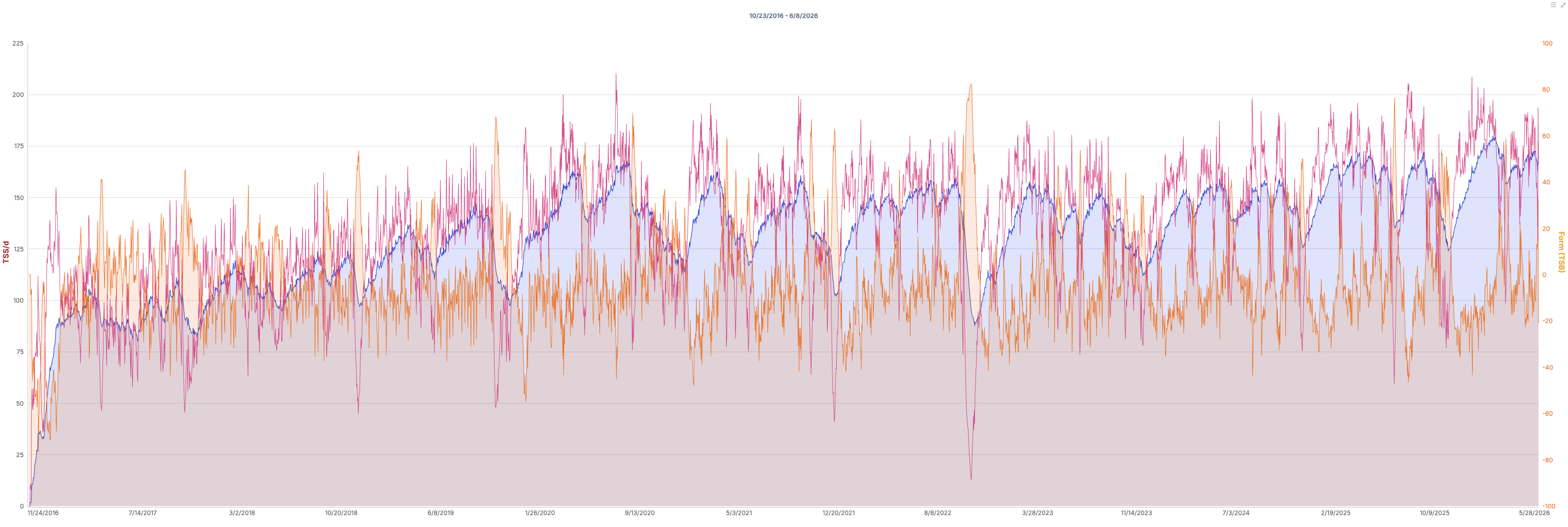
That line holds together because every time he changed watches, changed power meters, or retested threshold, I dealt with it on the timeline.
You can't go back and do this later. If the tests weren't done and the data wasn't logged at the time, the timeline stays broken where it broke.
6. With AI in the Picture, Picky Becomes Necessary
When coaches read the data themselves, missing an outlier or two wasn't a big problem. A coach carries an intuition around. You see an aerobic 10K and you have a rough sense of the load. If the system's number is way off from that, you know this one's weird, and you skip it.
AI doesn't have that intuition. All it sees is the data.
If the numbers you feed it are wrong to begin with, it won't stop and sense that something's off. You usually get one of two outcomes. One, the analysis goes wrong along with the data. It earnestly tells you, based on a wrong CTL, that this athlete needs to cut volume. It sounds completely convincing, and the conclusion is wrong. Two, it treats the outliers as noise and ignores them. That one's even harder to catch, because the output looks reasonable, and you have no idea it got there by throwing out 30% of the data.
I've tried a lot of AI training tools over the past year or two. Most of the algorithms are actually fine. The problem is that the data they're reading was wrong from the start. When the premise is wrong, a better algorithm won't save you.
7. Once the Data Is Right, What's Left for the Coach?
I put this much work into getting the data right so the data can take care of what it's supposed to: load, fatigue, trends, periodization. The more accurately those get quantified, the less judgment I have to waste on them.
What's left is the part a coach really has to handle. That athlete has been working overtime till midnight two weeks running. His wife just had a baby, and the only time he can train is on the trainer over his lunch break. The tone of his messages in the group chat has changed. His stroke clearly falls apart late in the swim, but he says he's "fine."
A watch can't measure any of that, and AI can't read it either.
When an athlete says "I'm a little tired," that's actually easy to deal with. The hard moment is when he says "I still want to train." Does he really have something left, or does he just not want to admit he can't hold on?
So the system I built was set up from day one to handle only the half I don't need intuition for: getting the load right, laying out the periodization, matching each workout's volume and intensity. Every plan goes through me before it reaches the athlete. The point is that when I'm looking at that plan, I don't have to be distracted by doubts about the numbers underneath.
I've turned these ten years of work into a program called Lo's Tri Lab. The system does the math. I make the calls. What gives me the confidence to do it is the thing this whole article has been about: every piece of data that goes in has a threshold baseline I've calibrated, and the whole process runs again once you join. Program details, requirements, and the application are all here.

A New Training Program
Ten years of coaching logic × hands-on coach review
The system builds the plan. I review every one.
So If You Manage Athletes in TrainingPeaks
Don't just look at TSS. First check how that TSS was calculated.
In data analysis, too little data is the easier problem. The real headache is lots of data sitting on top of wrong settings. Then the more data you have, the more the errors get magnified.
Will AI replace coaches? I can't say. But I'm sure of one thing. Before it can understand your athletes, somebody has to spend years fixing those numbers one at a time. It's unglamorous work, and it decides whether the data you're holding ten years from now is worth trusting.
Coaches who use TrainingPeaks with your athletes: when you take on someone new, do you do this step first?